Today
Your day on one card
Today's tasks, calendar events, an overdue nudge and your Top 3 — starred must-dos pinned to the top.
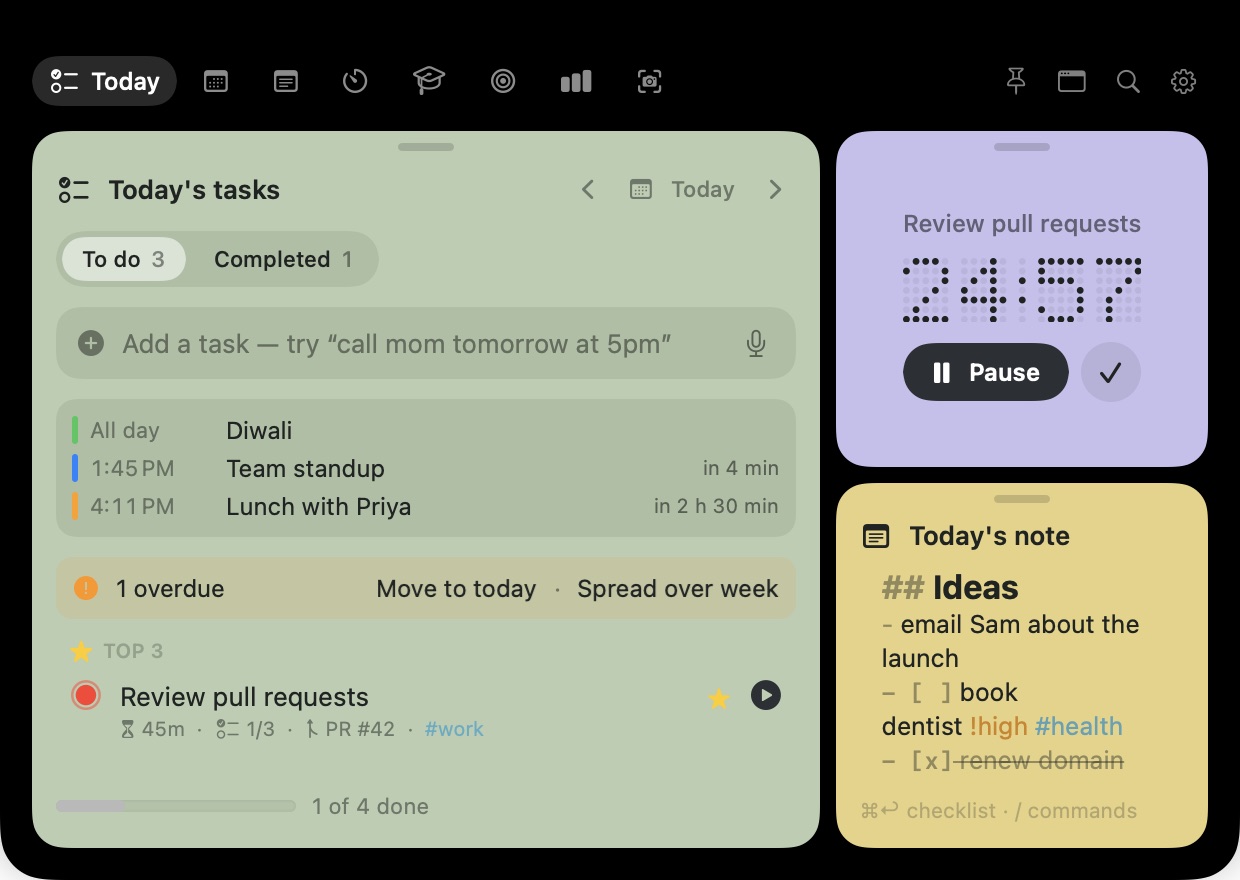
Move the pointer to the top of the screen and your tasks, notes and focus timer drop down. Move away and they're gone.
macOS 14 or later · Apple silicon and Intel · No account needed
Point at the notch, or press ⌥ N ·
Move the pointer to the notch. Perch opens right where your eyes already are.
Add a task in plain English, tick something off, start a focus block or jot a note.
Perch folds back into the notch. No windows to manage.
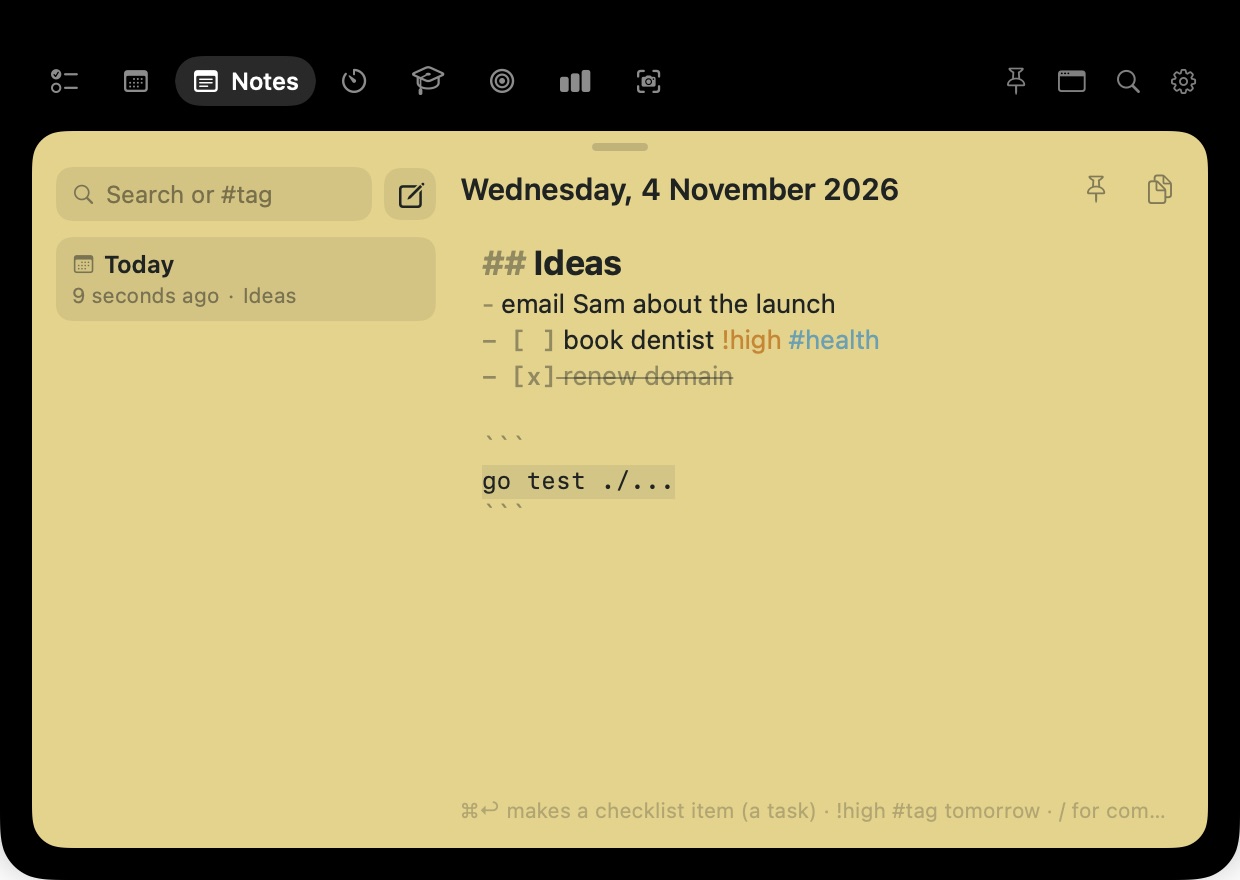
Tasks, notes and focus work together: a checklist line becomes a task, and a focus block counts toward it.
Today's tasks, calendar events, an overdue nudge and your Top 3 — starred must-dos pinned to the top.
A checklist line is a real task, both ways. Optional Apple Notes sync.
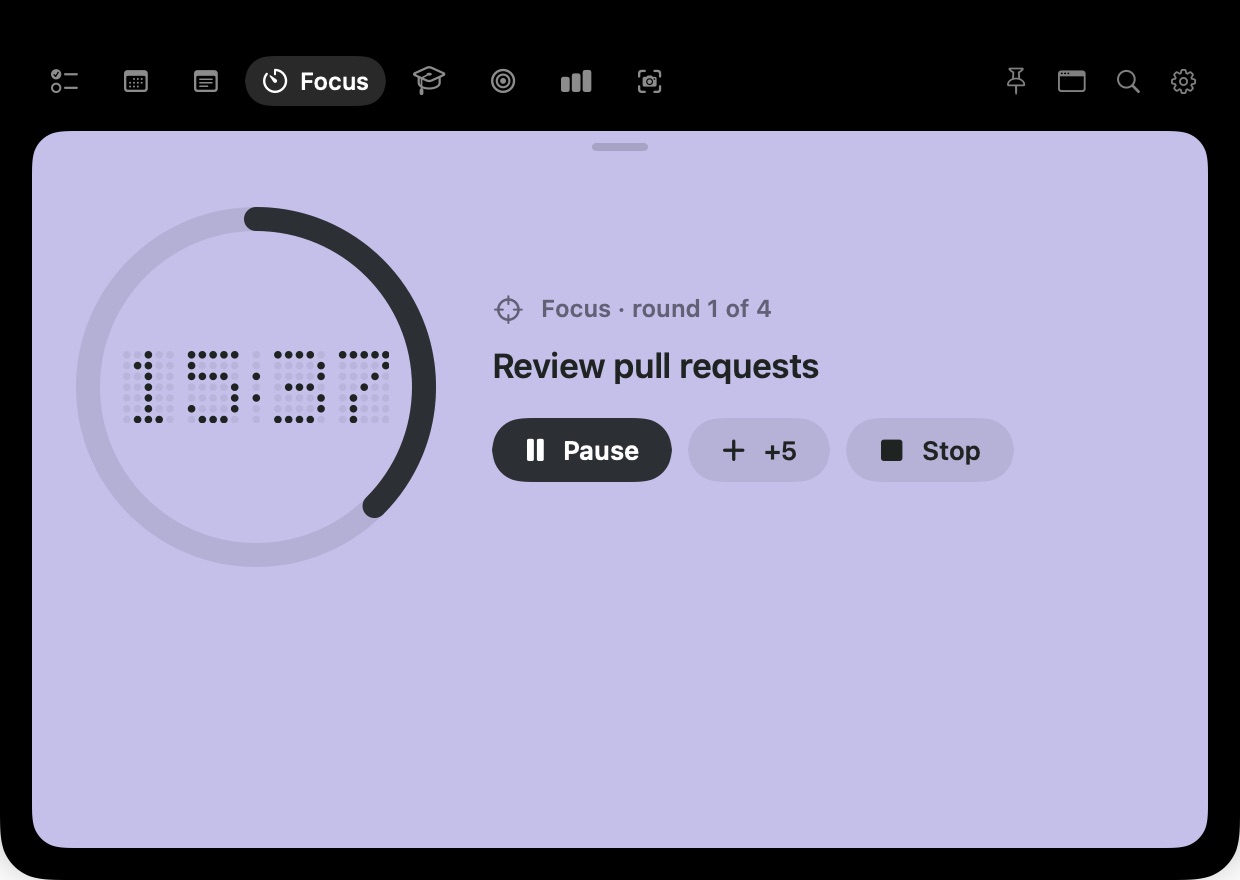
Any length, with breaks and rounds when you want them.
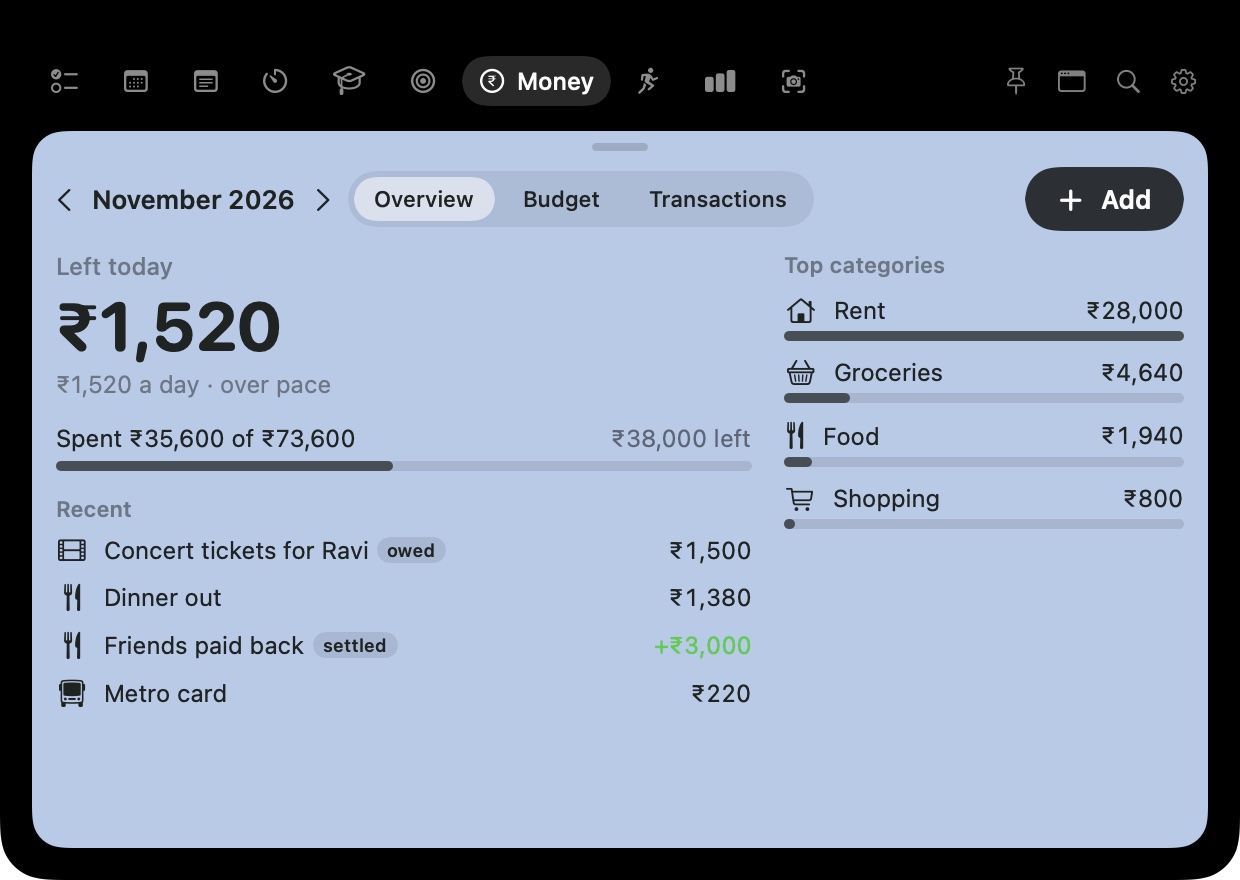
Optional tabs for Karo Budget and just for run: safe to spend today, your week of runs.
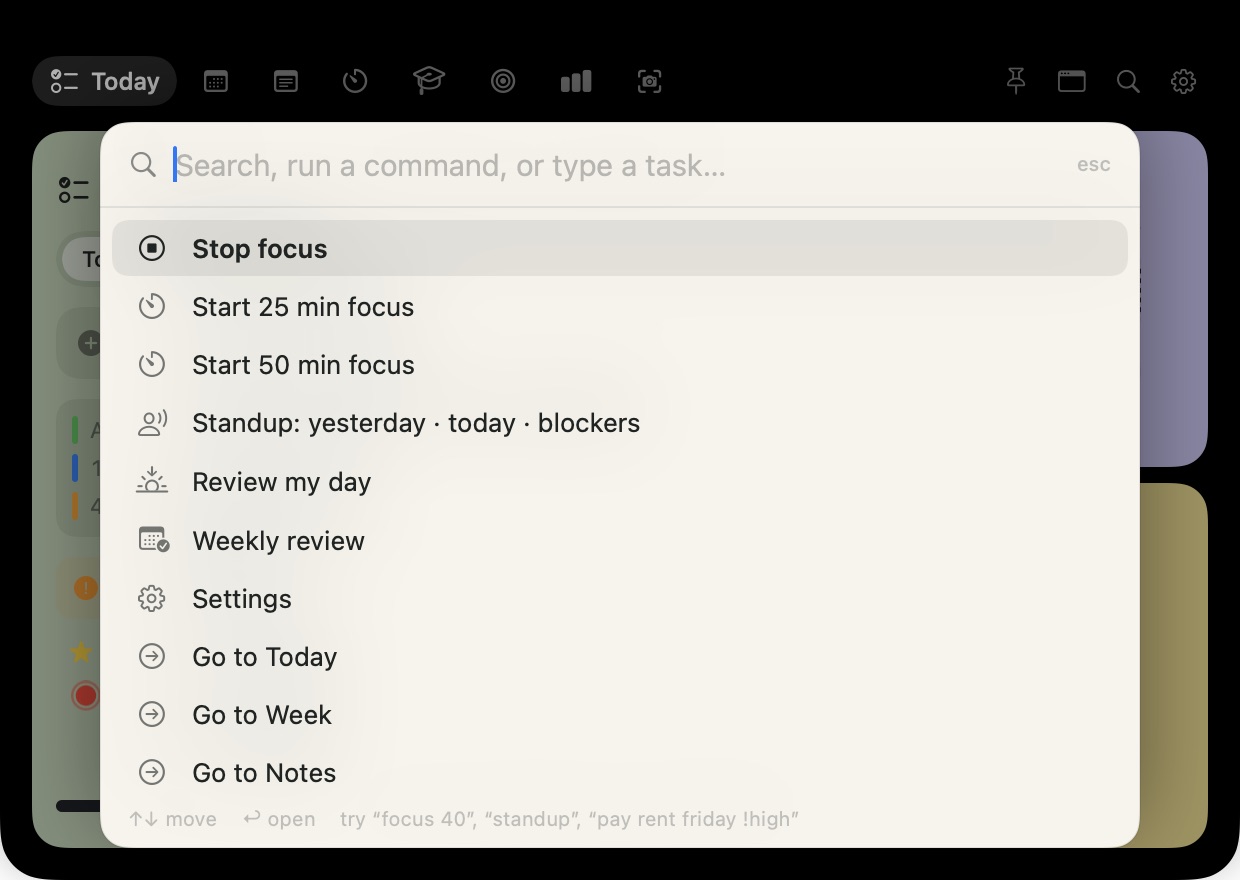
Find any task or note, start a focus, or add a task — from any app.
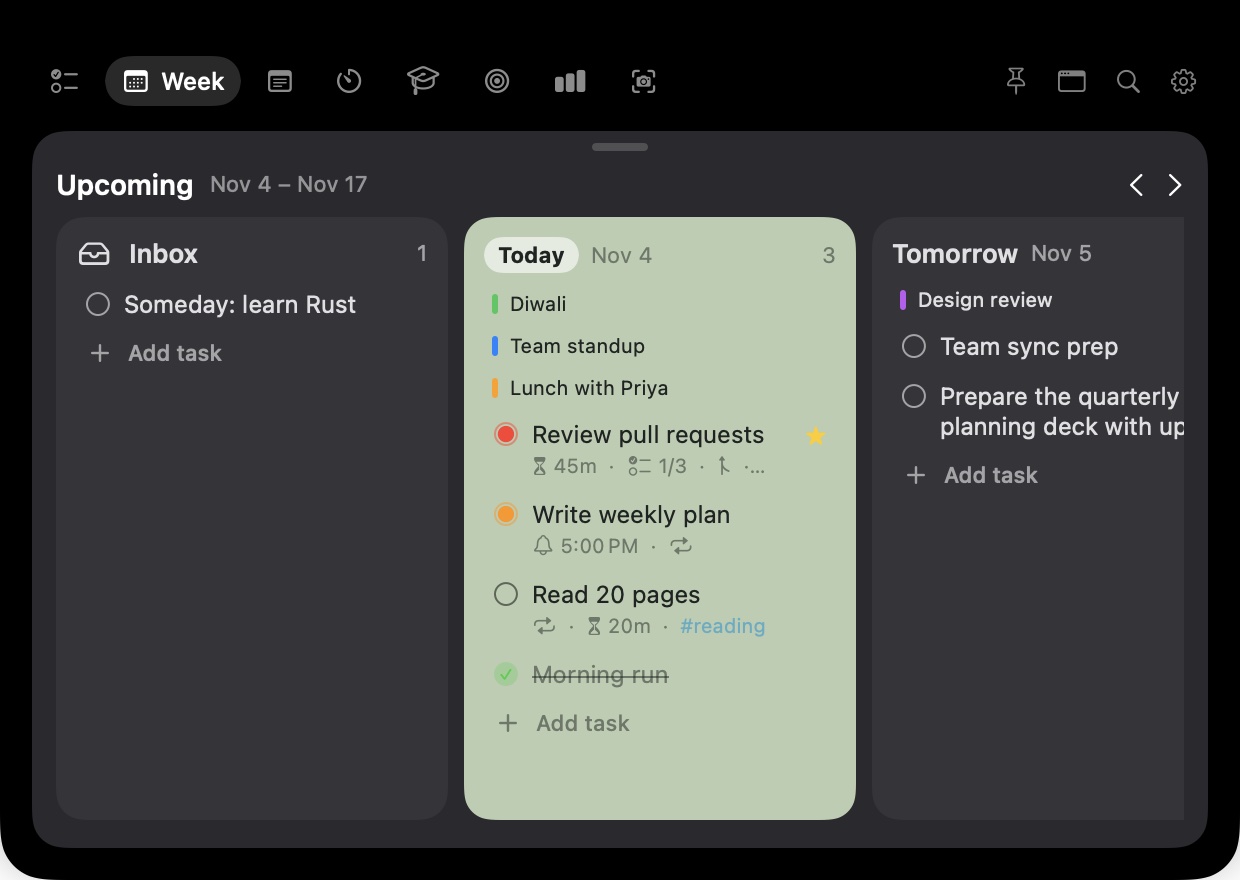
Inbox, today, tomorrow and the days after, side by side. Drag a task to another day to move it.
Dates, times, priority, tags, repeats and estimates, all in one line. No forms.
Perch ships a built-in MCP server, so Claude Code, Claude Desktop and Cursor can read your plan and change it when you ask.
No config files and no API keys. The server only accepts connections from your own Mac, protected by a secret token.
list_tasksadd_taskupdate_taskcomplete_taskstart_focusstandup
review_dayweekly_reviewsearch_notescreate_notecreate_learning_plan+13 more
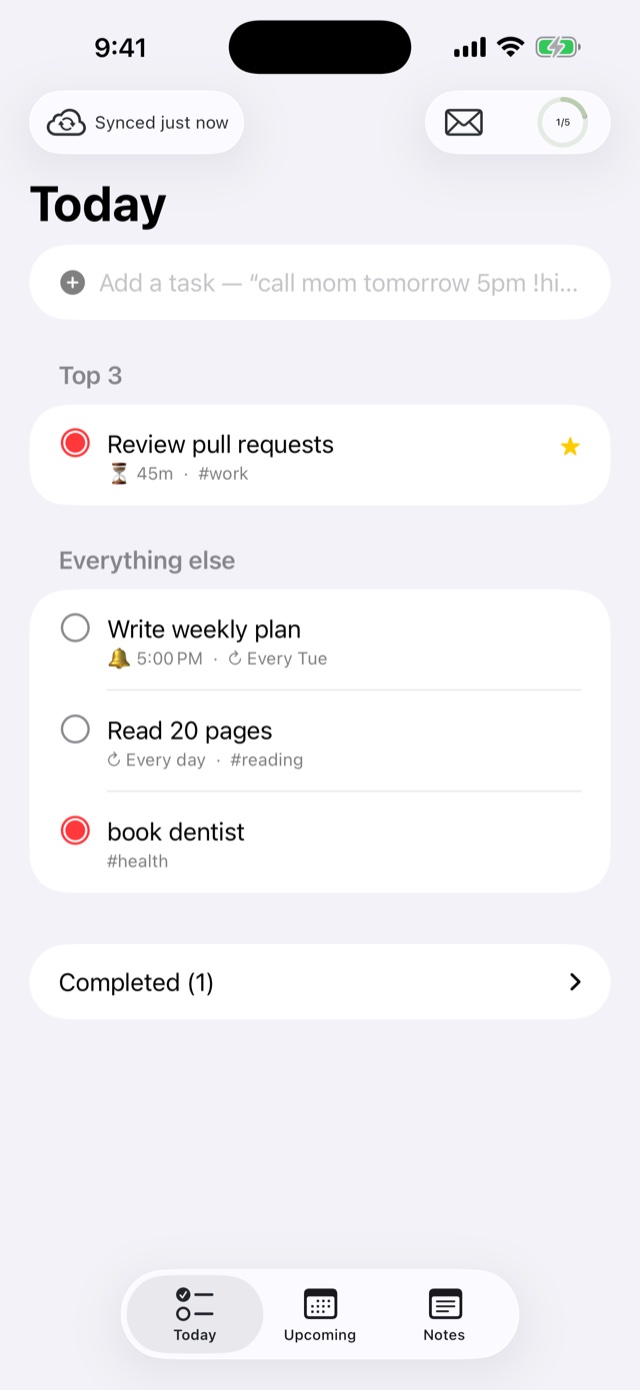
Optional. Perch works fully on your Mac alone — add the iPhone app whenever you want your day with you.
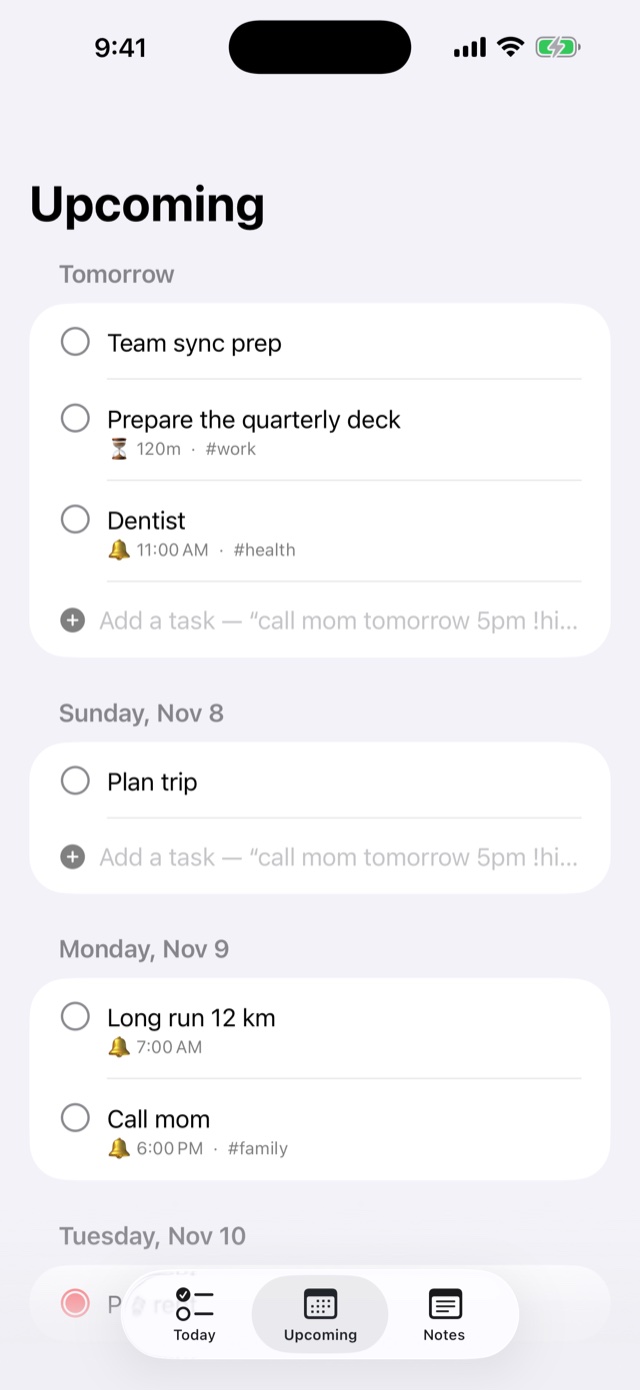
Today, Upcoming and Notes, in sync with your Mac through your own private iCloud.
⌥ Space from any app, or right-click selected text › Add to Perch.
Turn a course outline into a schedule at your pace, with recall cards.
Yesterday, today and blockers, ready to paste. Plus an end-of-day wrap-up and weekly review.
Every weekday, every 2 weeks, monthly. Tick one off and the next one appears.
Off by default. Skips passwords and anything marked secret. Stays on your Mac.
Type /meeting in a note to fill it in from your next calendar event. Checklist lines become tasks.
No account, no analytics, no ads. Everything lives on your Mac — and in your own iCloud, only if you turn sync on.
Each one stands on its own. If you use Perch on a Mac too, their Money and Runs tabs bring them beside the notch.
 Karo BudgetCalm monthly budget, in ₹
Plan the month once and get one number to live by each day, a heat map of your spending, and where your savings habit leads.
Explore Karo Budget → just for runOne-button activity tracker
Run, walk, ride or hike with a live route, spoken splits, steady GPS, share links with the full map and an optional public profile.
Explore just for run →Yes. No trial, no subscription, no account.
Yes. On screens without a notch, Perch sits as a small pill at the top centre of the screen. You can also open it with ⌥N on any Mac.
No. Everything works on your Mac alone. If you have one, Perch for iPhone (coming soon to the App Store) keeps your plan in sync through your own iCloud.
Perch checks for a new version once a day and asks before installing. Every update is signed, and you can turn checks off in Settings.
Perch is notarized by Apple, so you should only see the usual “downloaded from the internet” question. Make sure it came from this page, drag it to Applications and open it from there.
Quit Perch from its menu, then drag it from Applications to the Bin.